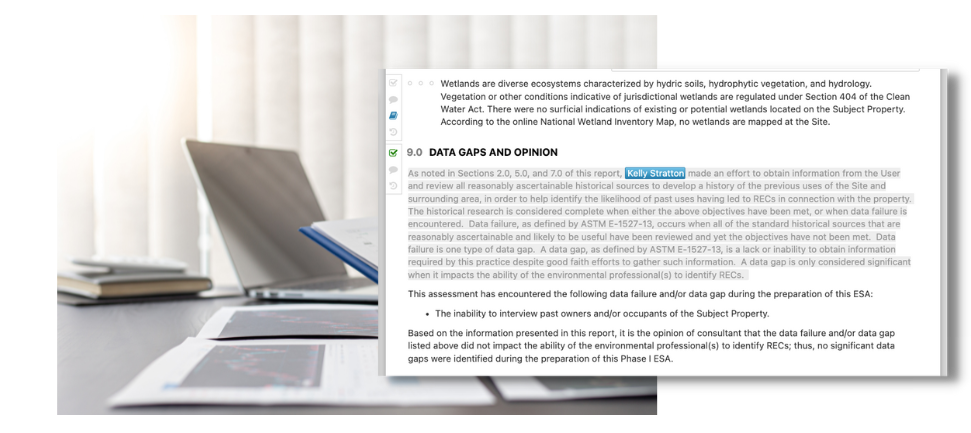
Microsoft Word™ wasn’t designed for technical report writing. Imagine a tool that is.
Quire helps consultants like you cut report writing time by 25-40%
From Zero to Flow
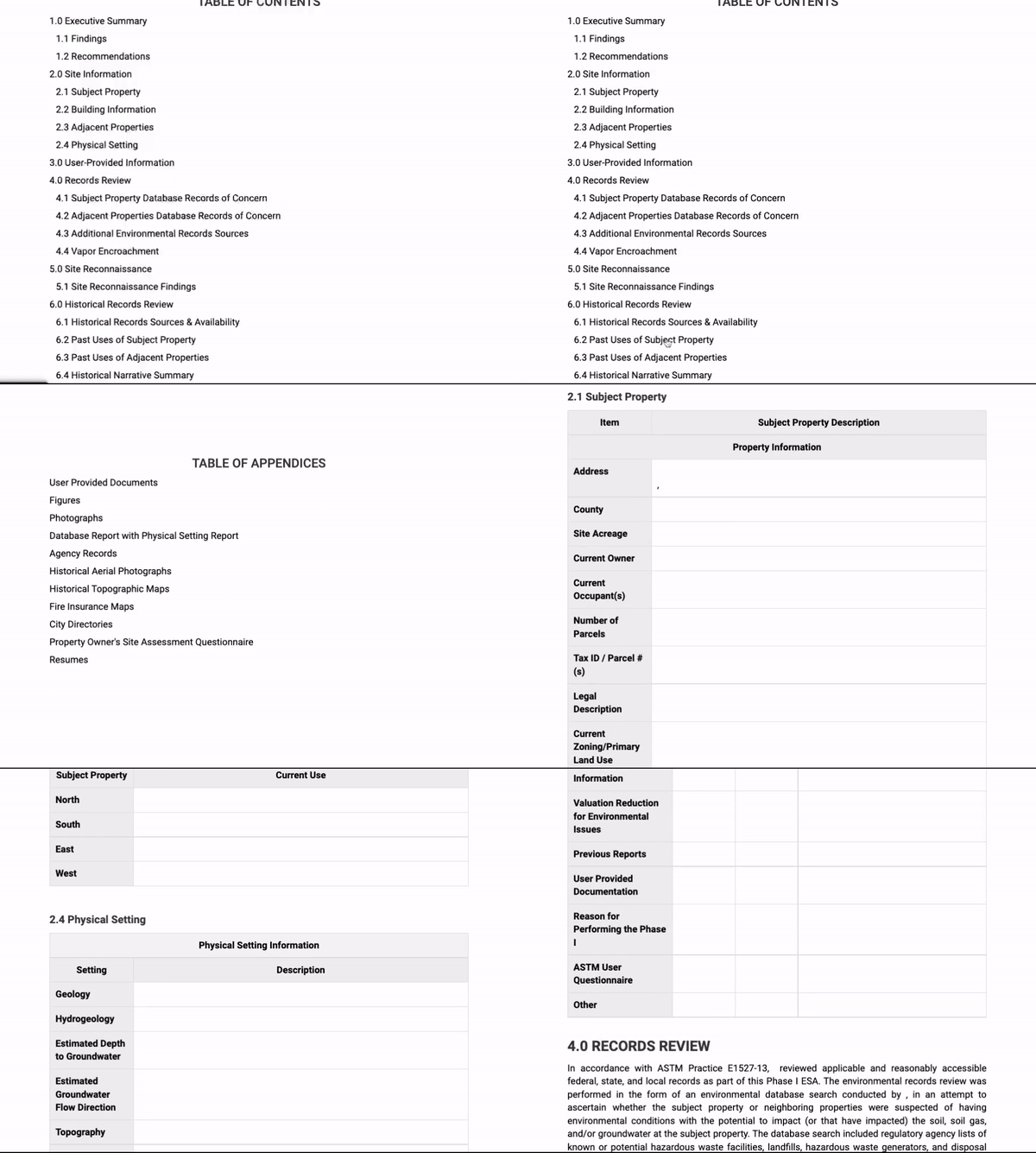
Your report writing process in MS Word™ probably looks something like this:
Using Quire saves you time at every step in your process. On every Report.
it's no competition.
Feature
Quire
Word™
Auto-populate key information throughout your Report with Quire Report Tags Sure, there are workarounds in Microsoft Word™, but automatic data population should be simple and efficient.
Granular revision history at the Section levelWord™ documents might allow you to review previous versions of your whole document, but only when you've saved it accordingly.
User Time Stamps Don't settle for file versions named after the author.
Mobile App that allows you to push data from the field directly to your Report
Automated Styling & Formatting Unlike Word™, Quire custom codes your branding and applies it to your deliverable for better consistency throughout.
Multiple authors can work on the same Report at the same time
WordBank for supporting approved language
Third-Party Data Integration (that auto-populates into SmartTables)
Integrated Mapping Tools
Portfolio View: review metrics across an entire Portfolio
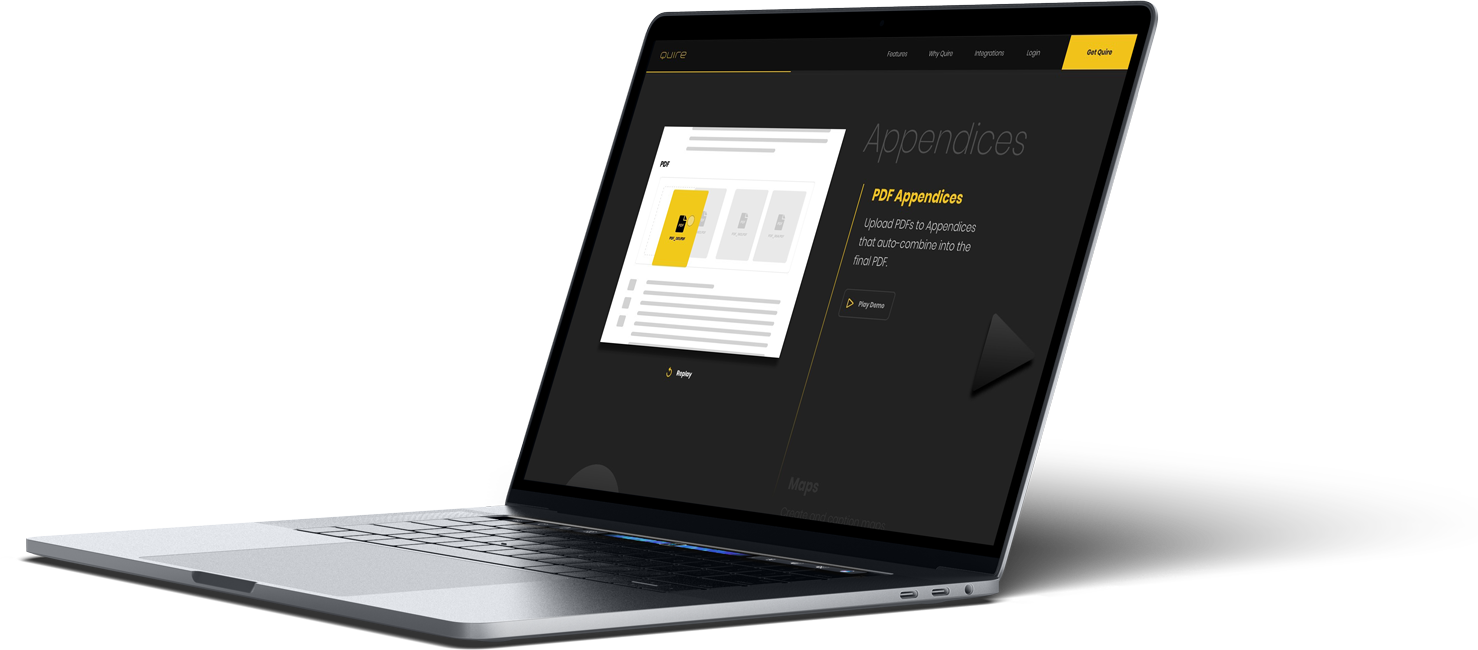
Assemble your PDF Report Deliverable with one click (including all your Appendices)
Automated Photo Management to easily incorporate images from your gallery to the Report body
Setup
Writing
Management
Reviews
Assembly & Delivery
Revisions
Setup
per Report
Saves 10min
Report Setup
All salient project data is entered once and then populates throughout the Report.
Word™ and Excel templates can be directly uploaded and will be already formatted and available for immediate use.
Send notifications to Writers and Contractors from within Quire; no need to email files or maintain a VPN.
Create multiple Reports, with one click.
Writing
per Report
Saves 1hrs
Report Writing
Have multiple authors working concurrently on the same Report.
Quire’s WordBank Feature inserts approved blocks of language with one click.
Report Tags autopopulate key data throughout the Report.
Environmental regulatory data auto-populates into SmartTables, and files automatically upload to defined Appendices.
Use Quire’s integrated mapping tool to create Maps and Figures in minutes- from within your Report.
Easily upload and organize Appendix files and photos.
Management
per Report
Saves 5min
Managing the Project
Use Quire’s Portfolio Toolkit to deliver even the largest Portfolios on schedule.
Apply bulk edits across a Portfolio to ensure consistency and accuracy.
Constantly view Report Statuses to gauge progress and allocate resources.
View Users’ time stamps to observe when Users are working in a Report.
Review the revision history of Report edits and revert back to previous versions, when necessary, with one click
Reviews
per Report
Saves 15min
Reviewing the Report
No more separate files to find, download, and collate. All Report contents are in one place.
Always be working in the most current version of a Report.
Collaborate with Authors, Contractors, and Reviewers in real time, together in the same Report, to work through concerns more efficiently.
Math is always correct in PCAs; you never need to check formulas and totals.
Quire’s Portfolio View allows you to review PCA metrics across an entire Portfolio, with one click.
Assembly & Delivery
per Report
Saves 5min
Assembly & Delivery
All Reports reflect your company style and brand each time they are generated.
Report is collated, formatted to your company’s brand and Style, and delivered from within Quire in just seconds.
In just a few seconds, Quire synthesizes all Report contents (narrative, tables, Appendices, etc.) into a single PDF for easy delivery.
No more need to worry about file sizes. Reports can be emailed, or a link to the Report can be sent to your customer from directly within Quire using email language that you develop.
Revisions
per Report
Saves 15min
Client-Mandated Revisions
You know the drill. One ‘quick’ change from a client that requires significant manual update from your team. With Quire, quick changes are actually quick. With one-click revisions you can apply your change globally and auto-assemble immediately. Your client has their updated Report before you even hop off the phone.
Revisions are all made on one screen. Quire’s revision history removes your need to search previous versions for past, preferred language.
Update salient data across a Report using the Report Tags Feature from three possible locations: directly within a Report, from within the Report Tags modal, or from within a Portfolio (where your changes can be easily reflected across an entire Portfolio from one area).
"If you use Quire instead of Word, you will be grateful you made the switch. We are a happy Quire client for 7 years!"
Take a Self-Guided Tour
To put it simply – Quire rocks. Don’t believe us, see for yourself with our interactive, self-guided tour